CTB Admin Documentation
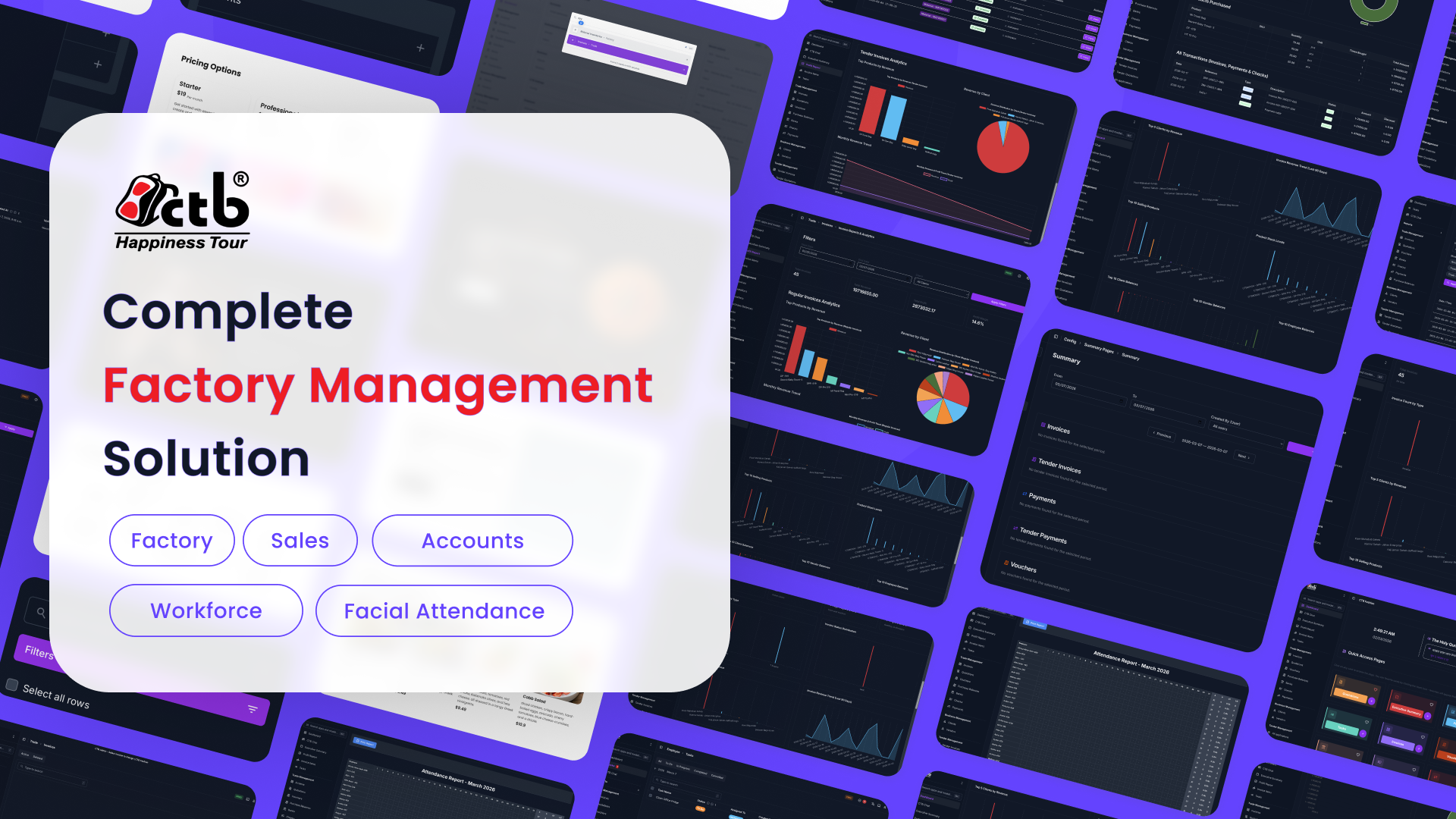
CTB Admin documentation helps you run day-to-day business operations in one place. Use this site to learn workflows, complete tasks faster, and understand where each function lives in the system.
Start here
- Open the Getting Started Overview to understand the interface and module layout.
- Read Login and Logout if you are setting up a new user or device.
-
Review the Dashboard guide to understand key metrics and quick access cards.
- Login and Logout
- Dashboard
How this documentation is organized
The User Guide is grouped by business function. Choose the section that matches your work.
Business
Manage clients and vendors, including onboarding, profile updates, and account-level details.
Factory
Manage categories, materials, inventory, and products used for production workflows.
Trade
Handle invoicing, payments, checks, vouchers, and banking records.
Employee
Manage employees, attendance, salary, wages, payouts, and tasks.
Settings and Admin
Control users, audit logs, app settings, SMS notifications, and maintenance options.
Reference
Find shared definitions, common error references, and offline-mode behavior.
Common tasks
- Onboard a new client: Add Client
- Create a new invoice: Create Invoice
- Record staff attendance: Record Attendance
- Generate payroll records: Generate Salary
Navigation tips
- Use the left sidebar to jump directly to a module.
- Open module Overview pages first to understand available sub-pages.
- Use your browser search on long pages to find field names quickly.