Tasks Overview
Use this page to review employee tasks, check assignment status, and follow up on work that is still open.
Summary
The tasks overview gives managers a simple list of work items assigned to employees. Use it to see what is pending, in progress, or completed before you create or update a task.
When to use this page
- When you want to review assigned employee work.
- When you need to check whether a task is open or completed.
- When you want to open a task and review its details.
How to access this page
From the sidebar, go to Employee -> Tasks.
Step-by-step instructions
- Open Tasks Overview from the sidebar.
- Review the task list and current status.
- Open a task to see more detail.
- Create a new task when a new work item needs to be assigned.
Field reference
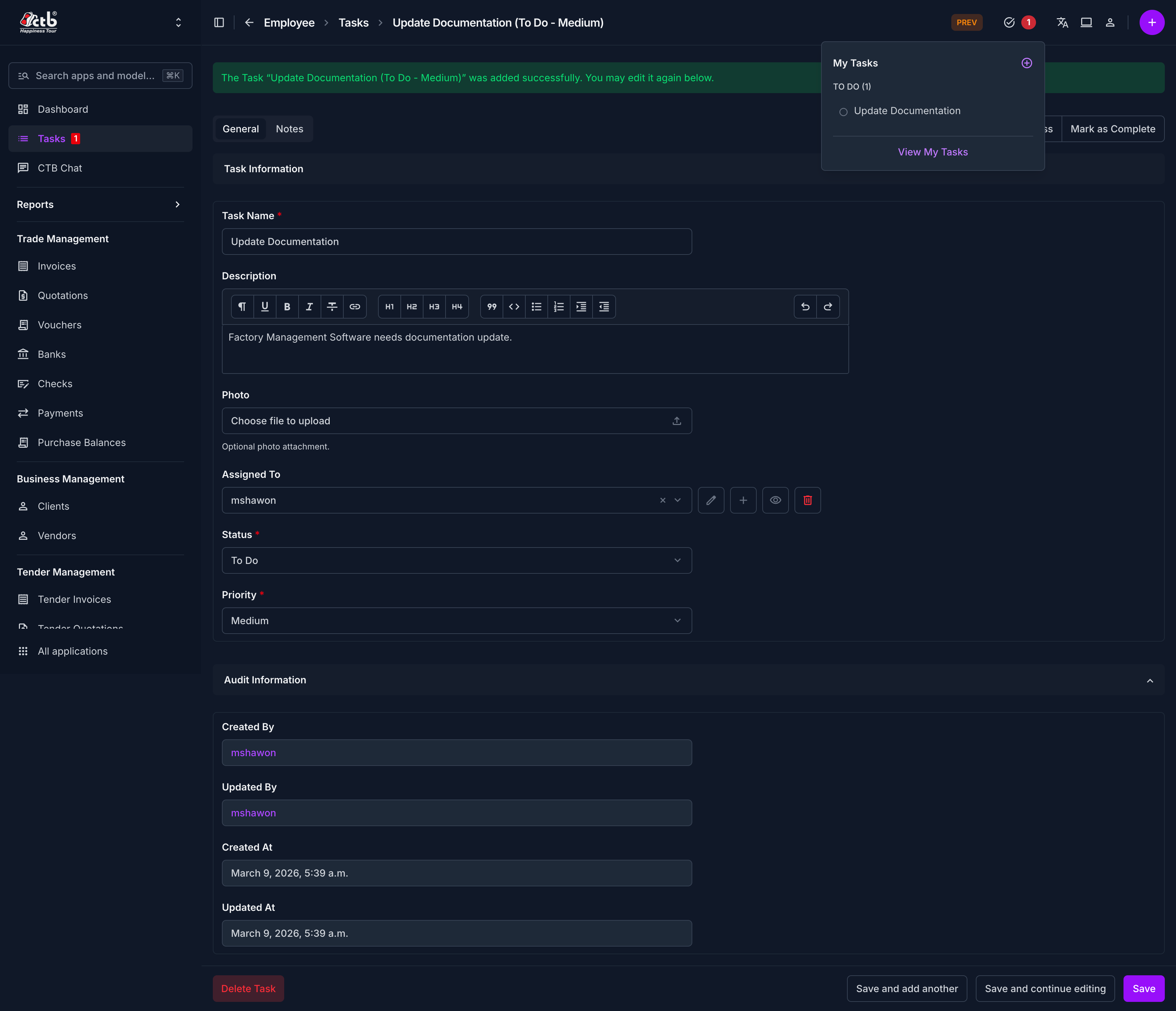
- Task title - The short name for the work item.
- Employee - The staff member assigned to complete the task.
- Due date - The expected completion date.
- Priority - Indicates how urgently the task should be completed.
- Status - Shows whether the task is open, active, or completed.
- Note - Optional context or instructions for the employee.
Tips and common issues
- Keep task titles short and action-oriented so employees can understand them quickly.
- Check the status before reassigning a task.
- Add a due date when the task should be tracked against a deadline.