Add Category
Use this page to create a new category in the Factory module. A category helps you group similar products for easier management, tracking, and reporting.
Creating clear categories keeps inventory structure consistent and scalable.
When to use this page
- When you need to group similar products under a common classification
- When creating products that require organized categorization
- When structuring inventory for easier management and navigation
- When preparing product data for filtering and reporting
How to access this page
- Go to Factory → Categories from the sidebar
- Click the Add (+) button to create a new category

Category Information
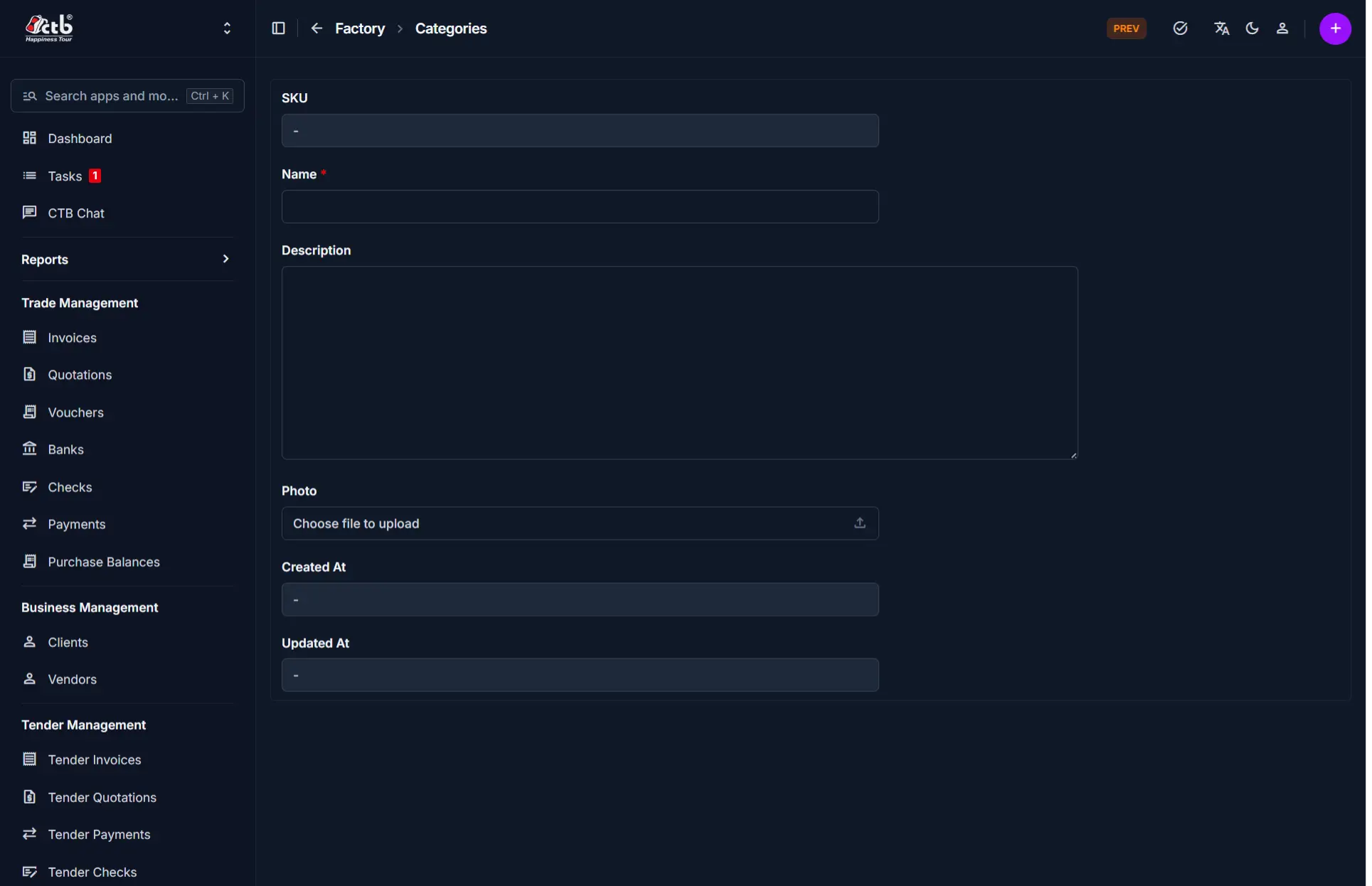
Fill in the following fields:
| Step | Field | What to Do | Description |
|---|---|---|---|
| 1 | Name | Enter category name | Defines how products will be grouped |
| 2 | Description | Enter details (optional) | Explains the purpose of the category |
| 3 | Photo | Upload image (optional) | Visual representation of the category |
System Fields
These fields are automatically managed by the system:
| Field | Description |
|---|---|
| SKU | Auto-generated identifier |
| Created At | Date the category was created |
| Updated At | Last modification date |
Note
You do not need to manually enter system-generated fields.
Saving the Category
- Click Save to create the category
- The category will be available when creating or editing products
Tips and Best Practices
- Use clear and consistent naming (e.g., “Electronics”, “Fabric”, “Accessories”)
- Avoid duplicate or overly similar category names
- Keep categories broad enough to allow multiple products
Tip
Plan your category structure before adding products to avoid reorganization later.
Related Modules
- Products — Products are assigned to categories
- Inventory — Categories help organize stock tracking
- Reports — Used for grouped analysis of product data