Client Detail
The Client Detail page displays the complete profile of a client, including personal information, business details, financial data, and activity history. It allows you to review client information and perform actions such as editing or managing transactions.
Summary
Use this page to review a client's complete profile before you perform billing, payment, or account decisions. It combines identity, contact, and financial information in one place.
When to use this page
- Viewing a client’s full profile and details
- Checking balance, discounts, and financial limits
- Reviewing client identification and business information
- Accessing client-related actions such as editing or transactions
How to access this page
- Go to Business → Clients from the sidebar.
- On the Client List page, click on any client row or name.
The system will open the Client Detail page.
Step-by-step instructions
- Open Business -> Clients from the sidebar.
- Select the target client from the list.
- Review personal and business details for accuracy.
- Check balance and discount limits before creating new transactions.
- Use available actions such as Edit Client or Create Invoice as needed.
Field reference
- SKU - System-generated client identifier used for tracking.
- Client Name - Primary display name for the client record.
- Phone Number - Main contact number used for communication and SMS.
- Balance - Current financial balance for the client account.
- Discount limits - Maximum rate and amount allowed for invoice discounts.
Page Overview
The page is typically divided into multiple sections:
- Personal Information
- Business Details
- Balance & Discount Information
- Activity / Transactions (if available)
Personal Information
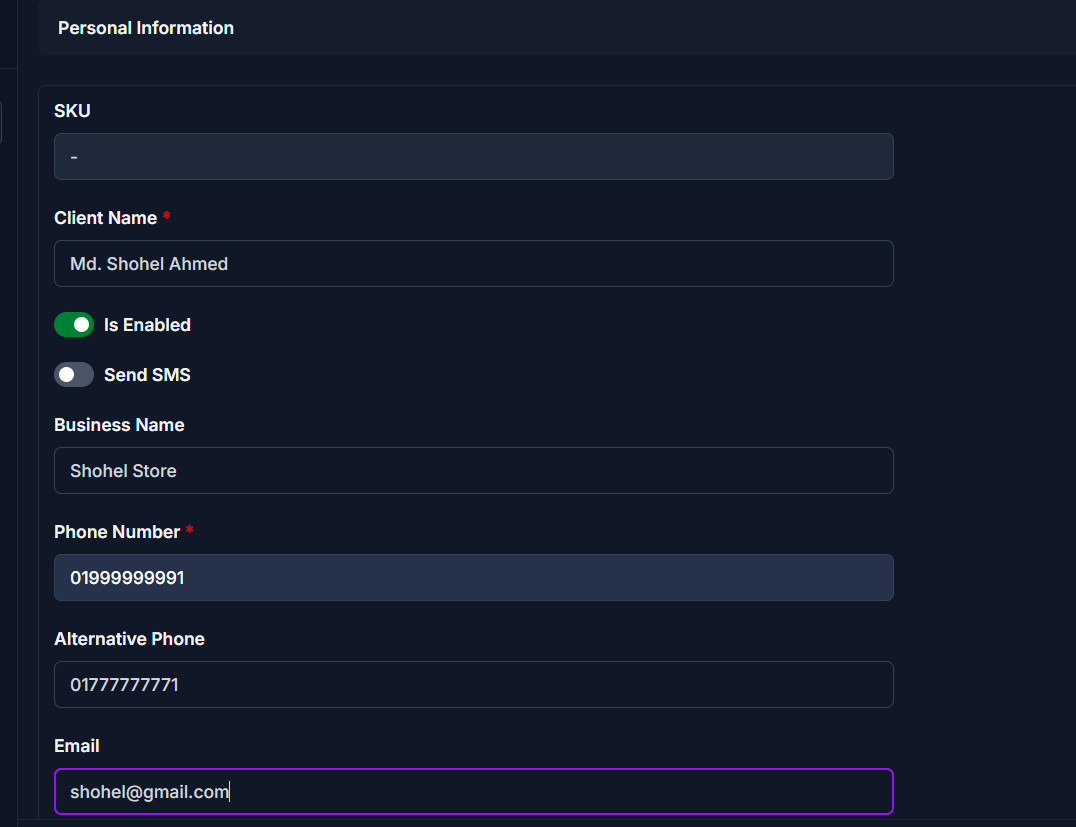
This section displays the client’s basic information.
| Field | Description |
|---|---|
| SKU | Unique client ID generated by the system |
| Client Name | Full name of the client |
| Status (Is Enabled) | Shows whether the client is active or inactive |
| Send SMS | Indicates if SMS notifications are enabled |
| Business Name | Client’s business or trade name |
| Phone Number | Primary contact number |
| Alternative Phone | Secondary contact number |
| Client’s email address |
Business Details
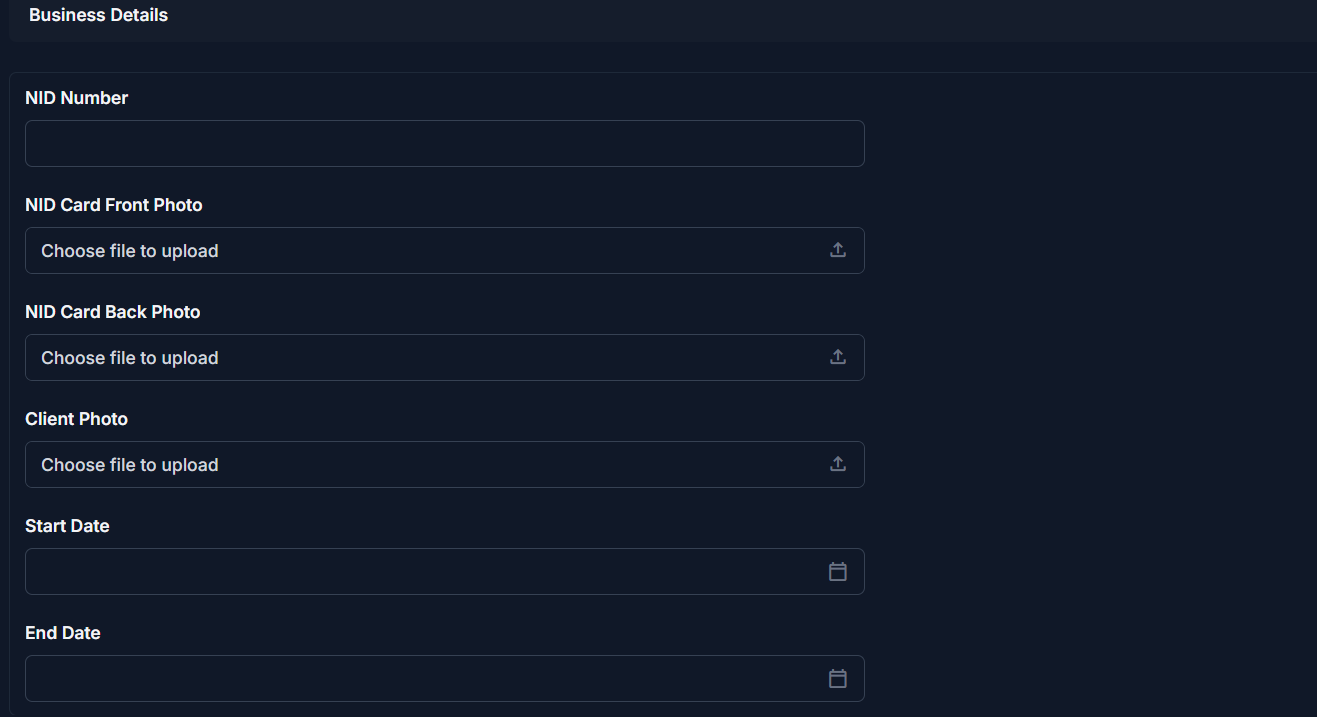
This section contains identity and contract-related information.
| Field | Description |
|---|---|
| NID Number | National ID number of the client |
| NID Card Front Photo | Front image of the client's NID card |
| NID Card Back Photo | Back image of the client's NID card |
| Client Photo | Profile photo of the client |
| Start Date | Start date of the client relationship |
| End Date | End date of the client relationship (if any) |
Note
Uploaded images help verify client identity and should be clear and readable.
Balance and Discount Information
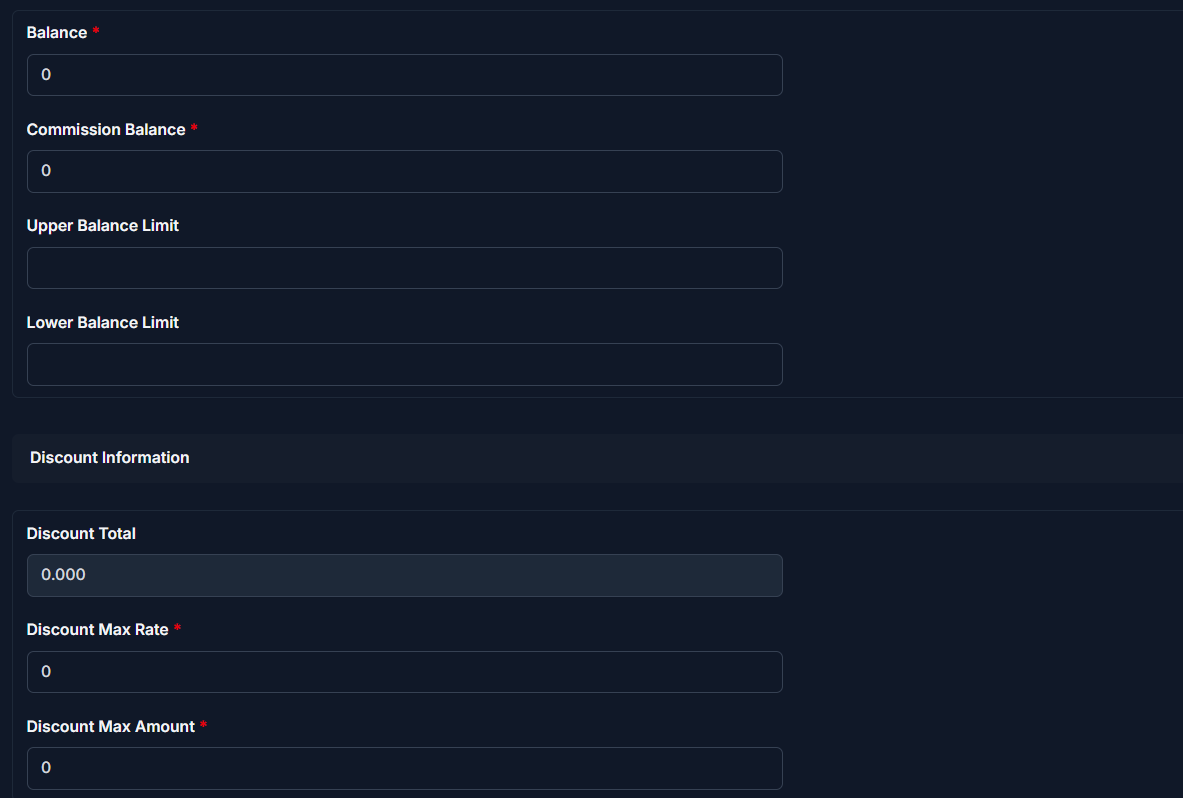
This section shows the client’s financial status and limits.
| Field | Description |
|---|---|
| Balance | Current financial balance of the client |
| Commission Balance | Commission-related balance |
| Upper Balance Limit | Maximum allowed balance |
| Lower Balance Limit | Minimum allowed balance |
| Discount Total | Total discount applied (auto-calculated) |
| Discount Max Rate | Maximum allowed discount percentage |
| Discount Max Amount | Maximum allowed discount amount |
Available Actions
From the Client Detail page, you can perform the following actions:
| Action | Description |
|---|---|
| Edit Client | Modify the client’s information |
| Create Invoice | Create a new invoice for this client |
| View Transactions | Check transaction history |
| Enable / Disable Client | Change the client’s active status |
Tips
* The SKU is system-generated and cannot be changed.
* Financial fields such as Discount Total are calculated automatically.
* If a client is inactive, they may not appear in invoice selection lists.
Warning
Make sure the Phone Number is correct before enabling Send SMS, as this number will receive automated SMS notifications.
Related Pages
- Add Client — Create a new client
- Edit Client — Update client information
- Client Reports — Analyze client activity and financial data